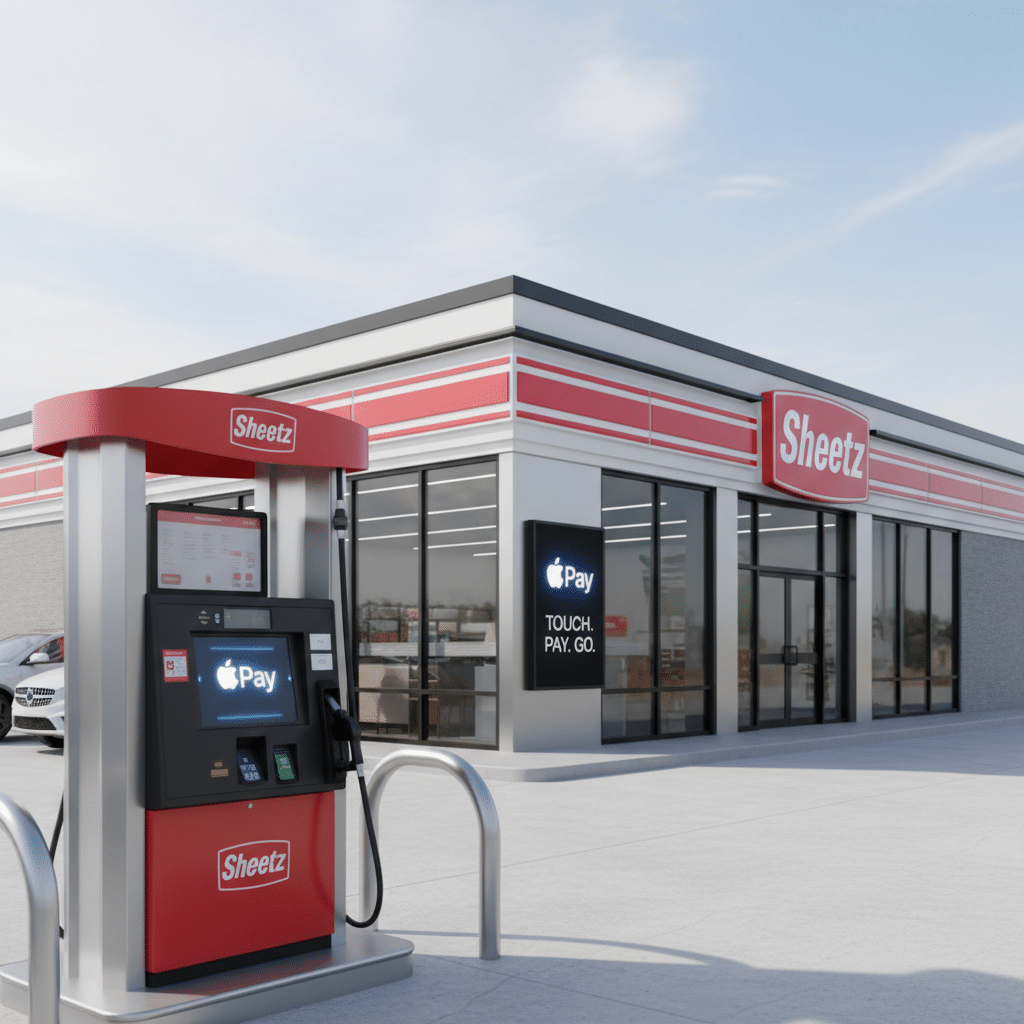
Does Sheetz Take Apple Pay? Everything You Need to Know at the Pump
If you are craving a Made-to-Order (MTO) sub or running low on fuel, the last thing you want to do is fumble around for a physical credit card. For millions of drivers and late-night snackers, Sheetz is the ultimate convenience stop. But does their payment technology match their reputation for speed?
Sheetz and Apple Pay: The Basics
Sheetz has been a leader in adopting convenience technology. The chain began rolling out support for Near Field Communication (NFC) payments the technology powering Apple Pay back in 2017.
How to use Apple Pay at Sheetz
In-Store
Double-click the side button on your iPhone or Apple Watch, authenticate with Face ID or Touch ID, and hold your device near the card reader at the register.
At the Pump
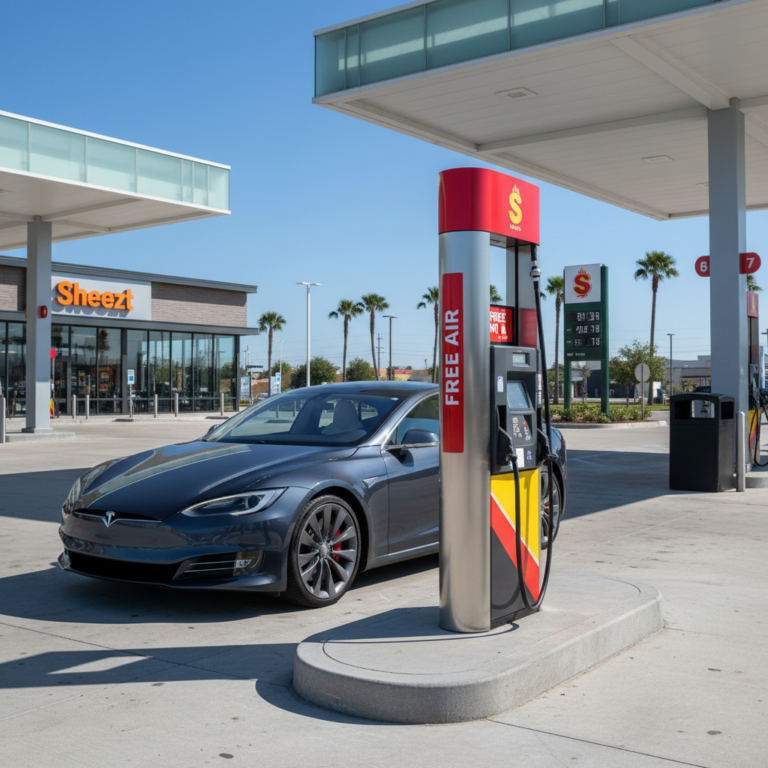
Look for the contactless symbol (four curved waves) on the card reader. Activate Apple Pay on your device and hold it near the reader. Once it beeps and authorizes, you can select your fuel grade.
Where Can You Use Apple Pay at Sheetz?
While Sheetz is tech-forward, Apple Pay isn’t accepted universally across every single service they offer. Here is the breakdown of where you can leave your wallet in the car:
In-Store Purchases
You can use Apple Pay at the front counter for all convenience store items, including MTO food orders, drinks, and merchandise.
Gas Pumps
Most Sheetz fuel pumps feature NFC readers. This allows for a “tap and go” experience so you don’t have to insert a card.
Drive-Thru Locations
If your local Sheetz has a drive-thru, they typically accept Apple Pay. You may need to hand your phone through the window to the cashier, or they may extend a mobile payment terminal to you.
Online and Mobile Orders
This is the exception. Currently, Apple Pay is not widely supported for direct payment within the Sheetz mobile app for online ordering. The app typically requires you to store a credit card, debit card, or Sheetz Z-Card on file for mobile orders.
Alternative Payment Methods at Sheetz
If you don’t have Apple Pay set up, or if you are ordering through the app, Sheetz supports a wide variety of payment options.
| Payment Method | Accepted In-Store | Accepted at Pump | Notes |
| Apple Pay | Yes | Yes | Requires NFC-enabled terminal. |
| Google / Samsung Pay | Yes | Yes | Works similarly to Apple Pay. |
| Credit/Debit Cards | Yes | Yes | Visa, Mastercard, Discover, Amex. |
| Sheetz Z-Card | Yes | Yes | Physical or loaded in App. |
| Cash | Yes | No | Pay inside for gas. |
| EBT / SNAP | Yes (Eligible items) | No | In-store only for food items. |
| Crypto (via Flexa) | Yes | No | Bitcoin, Ethereum, USDC, Litecoin. |
Potential Issues: The “Gas Hold” Explained
One of the most common complaints from customers using digital wallets at gas stations
involves “pending charges” that are higher than the actual purchase amount.
Why does this happen?
This is a banking protocol, not a Sheetz policy. The gas station requests authorization, and the bank secures the funds. Once you finish pumping, Sheetz sends the final amount (e.g., $40.00) to the bank.
How to resolve it
Wait
In most cases, the hold clears within 24–48 hours.
Check your receipts
Always print a receipt at the pump to verify the actual amount pumped.
Contact your bank
If the hold remains for more than 3-5 business days, contact your bank, not Sheetz, as the bank controls the release of funds.
Verifying Apple Pay Availability
While most locations are updated, technology can occasionally malfunction, or older franchise locations might be awaiting upgrades. Before you head out, you can verify if a specific location is Apple Pay-ready:
Apple Maps
Search for the specific Sheetz location in Apple Maps. Scroll down to the “Useful to Know” section. If you see the Apple Pay logo or “Accepts Apple Pay,” you are good to go.
Contact the Store
You can find the phone number for any location via the Sheetz website or mobile app.
Look for the Symbol
When you pull up to the pump, look for the sideways Wi-Fi symbol or the Apple Pay logo on the card reader.
Why Sheetz Prioritizes Digital Payments
Sheetz has built its brand on being “more than just a gas station.” Their move to accept Apple Pay, Google Pay, and now Cryptocurrency is a direct response to customer demand for speed and security.
Frequently Asked Questions
Is there a limit to how much I can spend using Apple Pay at Sheetz?
There is no specific limit set by Apple Pay, but Sheetz pumps often have a shut-off limit (commonly between $75 and $100) for security reasons. Your bank may also have daily transaction limits for contactless payments.
Can I get cash back when using Apple Pay at Sheetz?
Generally, no. Cash back is typically available only when using a physical debit card and entering a PIN. Most contactless transactions process as “credit” to speed up the checkout, bypassing the cash-back option.
Does Sheetz take PayPal at the pump?
No, Sheetz pumps do not directly accept PayPal. However, if you have a PayPal Debit Mastercard added to your Apple Wallet, you can use it via Apple Pay.
Why did I get charged $175 when I only bought $20 of gas?
This is a pre-authorization hold. While Sheetz states the usual hold is $75, card issuers can reserve up to $175 or $200 depending on their risk algorithm. The money is not gone; it is just temporarily unavailable until the transaction settles.
Can I use crypto to pay for gas at the pump?
Not directly at the pump. While Sheetz partners with Flexa to accept digital currencies like Bitcoin and Litecoin, this is currently an in-store payment method. You would need to prepay inside to use crypto for fuel.
Does the Sheetz app support Apple Pay for MTO orders?
Currently, the Sheetz app requires you to add a payment card manually or use a stored Z-Card. It does not typically support a direct “Pay with Apple Pay” button for mobile ordering, unlike some competitors.
Can I use Apple Pay to buy lottery tickets at Sheetz?
State laws vary regarding purchasing lottery tickets with credit cards or digital wallets. In many states, lottery purchases must be cash or debit. You may need to use a physical debit card rather than Apple Pay to comply with these regulations.
Is Apple Pay safer than using my physical card at Sheetz?
Yes. Gas pumps are high-risk targets for “skimmers” devices thieves attach to card readers to steal data. Apple Pay transmits a unique, encrypted code rather than your card number, making skimming impossible.
How many Sheetz locations accept digital payments?
Sheetz operates over 750 locations. As of 2026, nearly all corporate-owned locations are equipped with NFC readers for Apple Pay and Google Pay.
What if the NFC reader at the pump is broken?
Technology fails. If the contactless reader isn’t working, you will need to pay inside. You can use Apple Pay at the register to prepay for your gas.
Make Your Next Pit Stop Faster
Sheetz does indeed take Apple Pay, making it easy to fuel up and grab a bite without digging for your credit card. Whether you are at the pump or the counter, you can tap to pay with confidence.
Ready to hit the road?
Download the Sheetz app to find the nearest location and check their amenities before you drive.
Meta data
Meta title
Does Sheetz Take Apple Pay? (Gas Pump & Store Guide)
Meta description
Yes, Sheetz accepts Apple Pay in-store and at the pump. Learn about the $75 pre-auth hold, online ordering restrictions, and new crypto payment options.